Voice-recognition
software is nothing new. But put it on a smartphone, and it comes to
life. All of the frustrations of trying to control your PC by
voice--fiddling for a microphone, repeating yourself again and again,
resisting the urge to relent and turn to your trusty keyboard--are
eliminated when you use the same technology on your mobile phone.
And it's becoming more popular all the time, thanks in large
measure to the improved speech recognition capabilities of today's
mobile phone platforms, such as Google's Android and Apple's iOS. But
that's not the only factor behind the uptick in mobile voice
recognition, says Tuong Nguyen, principal research analyst with Gartner.
He cites the demand for improved user interfaces, especially from users
who don't want to rely solely on a touchscreen to interact with their
phone.
In addition, the increasing prevalence of laws restricting the use
of cell phones while driving has fueled demand for these voice-based
apps, Nguyen says. Bluetooth headsets allow drivers to talk hands-free,
but many people want access to e-mail and text messages while driving,
too, he notes.
Luckily, plenty of apps provide such access--and more. Here's a
roundup of some of today's best voice-recognition apps for your phone.
Google Mobile Apps
Platform: Android, BlackBerry, iOS
Price: Free

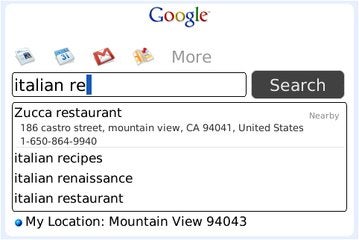
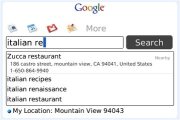 Google Search App for BlackBerry.
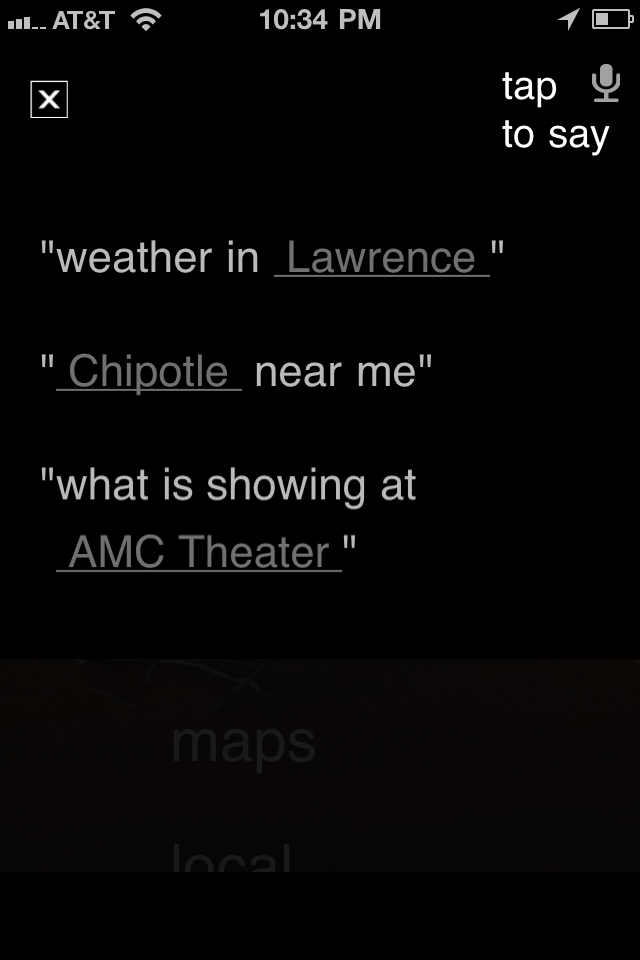
Whatever platform you're on, you can give your fingers a rest with one of Google's
Mobile Apps. Whether you use the
Google Quick Search Box on Android, the
Google Mobile app for the iPhone, or the
Google Search App for BlackBerry,
the application lets you access the goodness of Google with the power
of your voice. Search the Web, your contacts, and more without lifting a
finger.
Why it's worth checking out: It's Google, duh.
Bing
Platform: Android, iOS
Price: Free
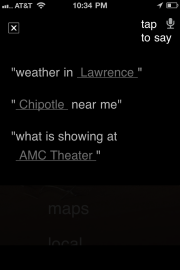 Microsoft's Bing search engine can be used with voice-recognition software and has a good-looking interface.
Google isn't the only search engine in town--and it isn't the only one that delivers mobile searches powered by voice, either.
Microsoft's Bing does it, too, with the same elegance that the desktop Decision Engine delivers.
Why it's worth checking out: Bing's mobile app has a fluid, elegant interface, and it looks even better without your paw prints all over the screen.
Vlingo
Platform: Android, BlackBerry, iOS, Nokia, Windows Phone
Price: Free (Basic version only; prices of Plus versions vary by platform)
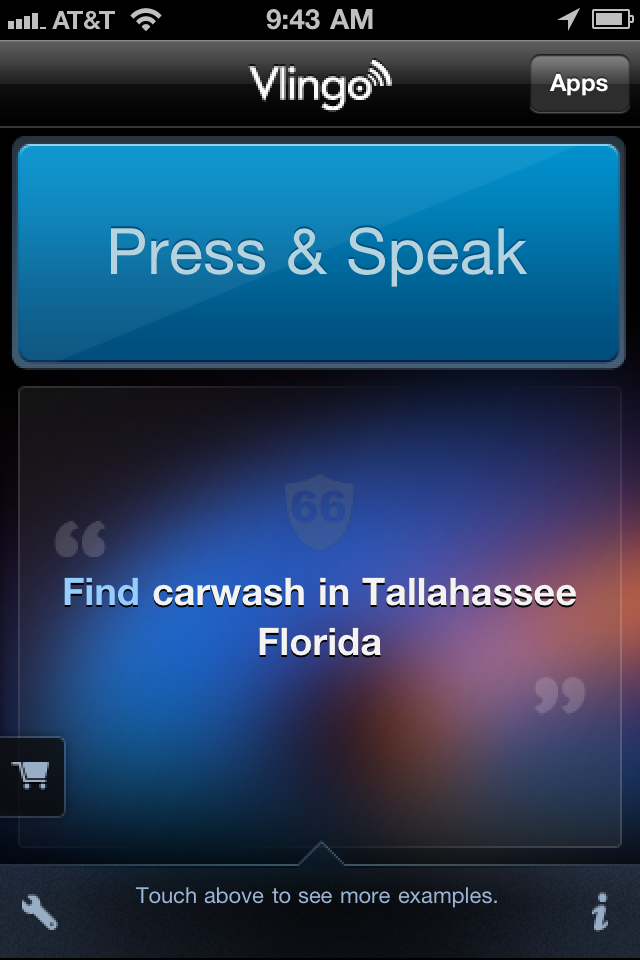
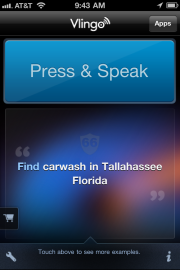 Vlingo interface.
Personal
assistants are not just for the rich and famous: In virtual form,
they're also available to smartphone users. With versions for
Android,
iOS, and
other platforms, the
Vlingo app does your bidding, whether you want it to update your Facebook status, fire off a text message, or search the Web.
Why it's worth checking out: As MC Hammer--who is quoted on Vlingo's iOS App Store page--says, "Vlingo is dope."
Siri Assistant
Platform: iOS
Price: Free
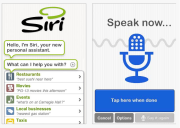 The Siri Assistant voice recognition app focuses on getting things done for you.
Too busy to type? Turn to
Siri Assistant,
a virtual personal assistant that resembles Vlingo but is more focused
on such tasks as finding restaurants, making reservations, locating
theater tickets, and booking taxis. And just like a human assistant,
Siri Assistant learns more about your personal preferences over time.
Why it's worth checking out: Apple purchased Siri back in 2010. Clearly, Steve Jobs sees something he likes here.
DriveSafe.ly Pro
Platform: Android, BlackBerry, iOS
Price: $13.95 per year
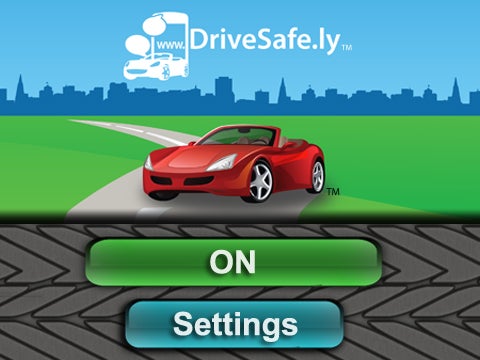
 The DriveSafe.ly Pro app reads incoming text messages to you. You can compose and respond by voice.
Not
only is it unsafe to text while driving, but in many places it's also
illegal. Still, you don't have to be out of touch when you're behind the
wheel, thanks to
DriveSafe.ly Pro. This app reads your incoming text messages to you and lets you compose and send responses by voice. (A
free version for Android will read incoming messages only.)
Why it's worth checking out: The app's name pretty much sums its raison d'être: Texting by hand while driving is not a good idea.
Dragon Downloadable Apps
Platform: Android, BlackBerry, iOS
Price: Varies
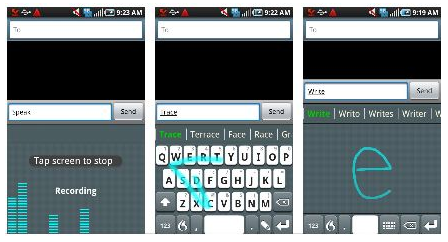
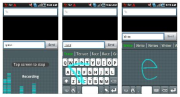 FlexT9 for Android.
Nuance's popular line of Dragon voice-recognition software has gone mobile. The company offers
various mobile apps, including
Dragon Dictation
(free), which lets you control many functions of your iOS device by
voice; Dragon for Email (free), which enables BlackBerry users to
compose and send messages by voice; and
FlexT9
for Android ($4.99), which lets you choose your preferred method of
input--speak, trace, write, or tap--based on your current needs.
Why it's worth checking out: Nuance's Dragon line
of software has set the standard for PC-based voice recognition. If
you're looking for a company that knows voice products, look no further.
ChaCha Answers
Platform: Android
Price: Free
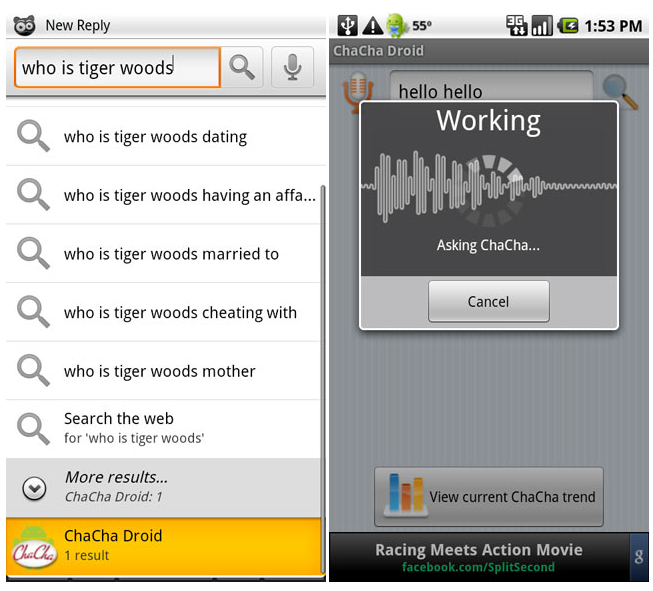
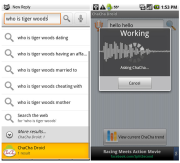 The ChaCha app for Android phones provides quick answers to your verbal questions.
Search
engines are great when you're looking for a wide swath of information.
But if you have a narrowly specific question, digging through multiple
pages of results looking for a simple answer is counterproductive.
That's when you need
ChaCha Answers, a question-and-answer service that provides quick answers to your pressing questions.
Why it's worth checking out: It can tell you how much you'd weigh on Saturn--in case you were wondering.
Jibbigo Voice Translation
Platform: Android, iOS
Price: $4.99 and up
 Speak in one language and have your words translated into another with the Jibbbigo Voice Translation app.
What good is talking if your intended audience can't understand what your saying? Enter
Jibbigo. This two-way translation app for
Android and
iOS
listens as you talk in one language, and then translates your words
into another language. It's available in eight different language pairs,
including English, Filipino, French, German, Japanese, Korean, Mandarin
Chinese, and Spanish.
Why it's worth checking out: We've heard your German accent, and it's terrible. Our advice: Stop talking and let Jibbigo speak for you.






 Posts
Posts


